IdP Wizard
The Organization IdP Wizard allows members of an organization with appropriate permissions to self-manage their organization's identity providers. It allows users to set up and configure SAML and OIDC identity providers for their organization without requiring intervention from IT support or administrators.
Create an IdP Wizard link
There are two mechanisms of creating an IdP Wizard link. Choosing one depends on how you wish to expose this to your users.
Admin UI
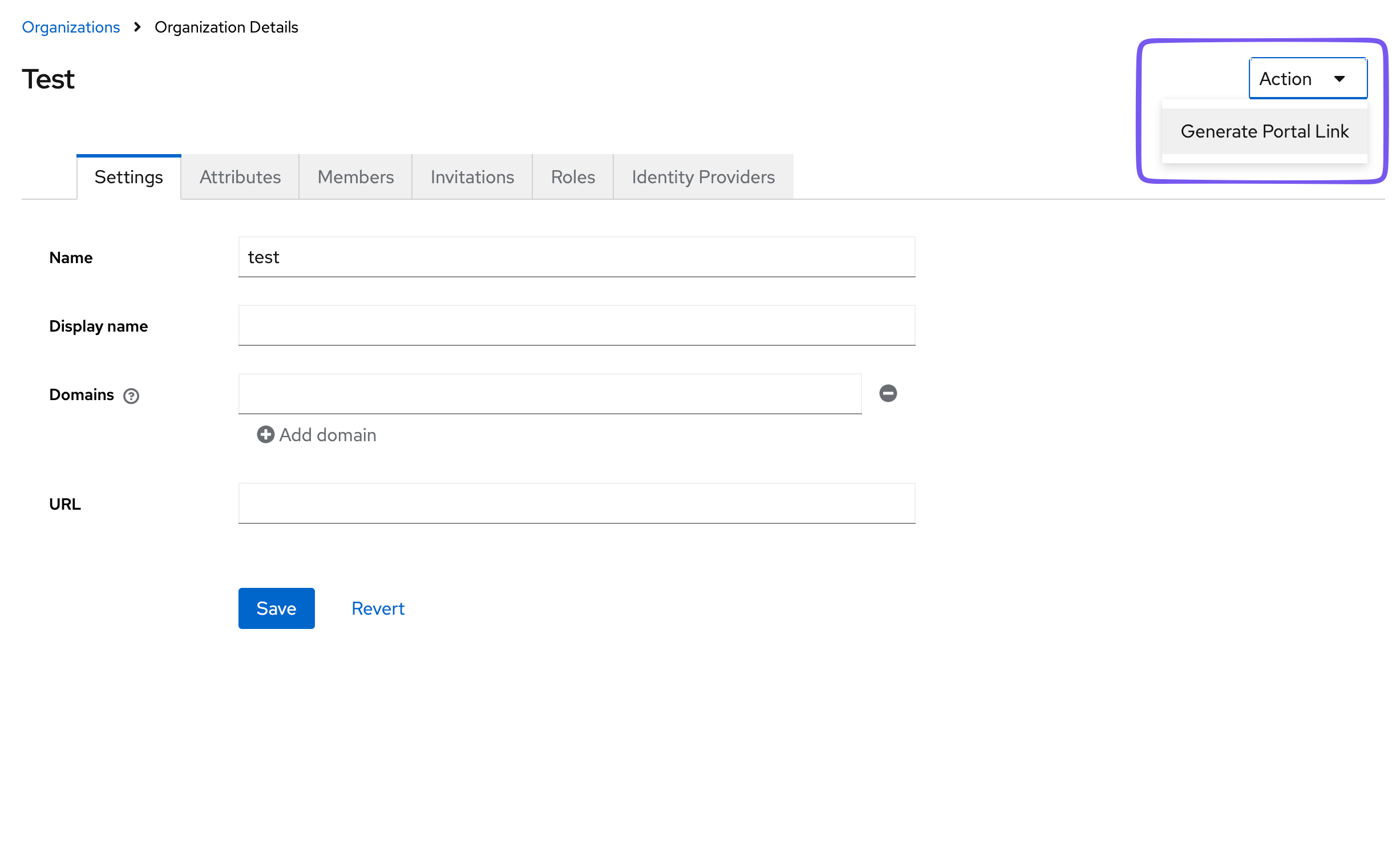
In the Admin UI, in the Organizations tab, when you select an organization, the upper right context menu allows you to select "Create IdP Wizard link". This will create an IdP Wizard link for the default organization user. This is a user that is created by default when the organization is created for the purpose of executing administrative tasks for the organization. It is not associated with a real member of the organization. It has full privileges within the organization, so be careful who and how this link is distributed. It will be active for 1 day following creation.
API
You can programmatically create IdP Wizard links for your users with the API. This allows you to create a link for a specific user. The portal itself will take care of restricting access based on that user's organization permissions. Please refer to the API documentation to create a link for the organization's admin portal. Because this is an expiring link, it is recommended that you do not create the link until it has been selected in your application.
Setting Realm Attributes for Manual Control
There are some reasonable defaults used for the configuration, but the behavior of the wizards depends on a few variables, stored as Realm attributes. View Github repo about configuration.
| Realm attribute key | Default | Description |
|---|---|---|
_providerConfig.wizard.apiMode | onprem | onprem or cloud. onprem uses the Keycloak Admin APIs to set up an Identity Provider, so the user must have the correct realm-management roles. cloud uses the Phase Two Organizations API, so the user must have membership in an organization with the correct organization roles. A "picker" will be shown to the user if they have both and/or roles in more than one organization. |
_providerConfig.wizard.emailAsUsername | false | When building Identity Provider mappers, should the IdP email address be mapped to the Keycloak username field. |
_providerConfig.wizard.enableDashboard | true | Show a minimal dashboard showing the state of the setup. |
_providerConfig.wizard.enableDirectorySync | true | Show Directory Sync section. |
_providerConfig.wizard.enableGroupMapping | true | Currently does nothing. |
_providerConfig.wizard.enableIdentityProvider | true | Show Identity Provider section. |
_providerConfig.wizard.enableLdap | true | Allow LDAP config. |
_providerConfig.wizard.enableScim | true | Allow SCIM config. (not currently used) |
_providerConfig.wizard.trustEmail | false | Toggle trust email in the IdP config. |
_providerConfig.assets.logo.url | none | URL for logo override. Inherited from keycloak-orgs config so we can use the same logo. |
_providerConfig.wizard.appName | Phase Two | App name to appear in the HTML title. |