Organization Attributes
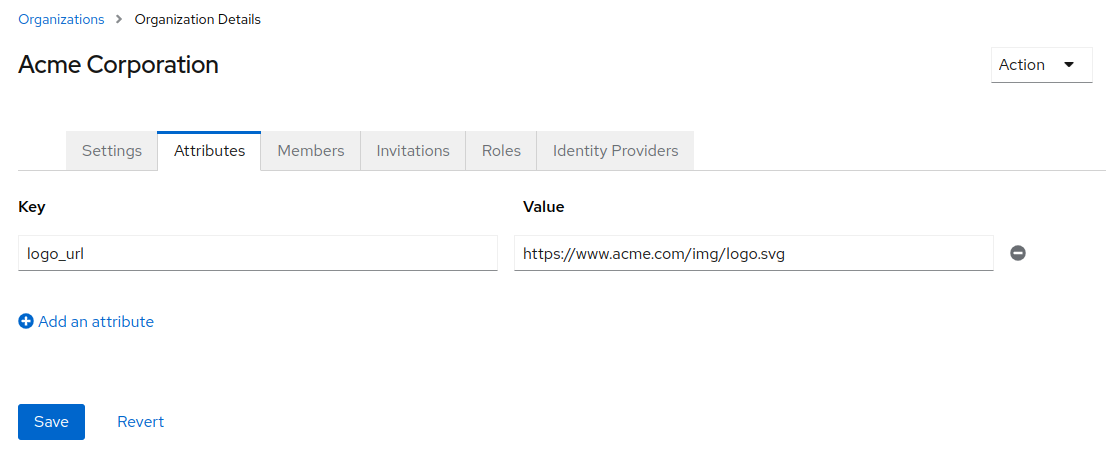
Attributes functionality provides key-value storage of Organization attributes that can be used in your application to customize experience. The ability to manage attributes is available in the Organizations tab of the Admin UI.
Adding attributes to the token
It is possible to map all attributes of an organization into the access token, ID token or userinfo endpoint response using the Organization Attribute token claim mapper for OIDC. If you have users that will have a large number of organization memberships or attributes per organization, it is recommended that you only add the claim to the userinfo endpoint response, as it may cause large token sizes.
For more information on how to set up token mappers, see token mappers.
Member attributes
Members can have attributes that are specific to their membership in an organization. Visit the Orgs > Desired Org > Members and right click on the menu for the member to see the option to "Manage attributes" option. For more information, see Membership.
API access
It is possible to get and update organization attributes using the API. The attributes object is a child of the organization object. It is a hash between attribute name and an array of values. They are read and updated using the organization get, create and update methods.